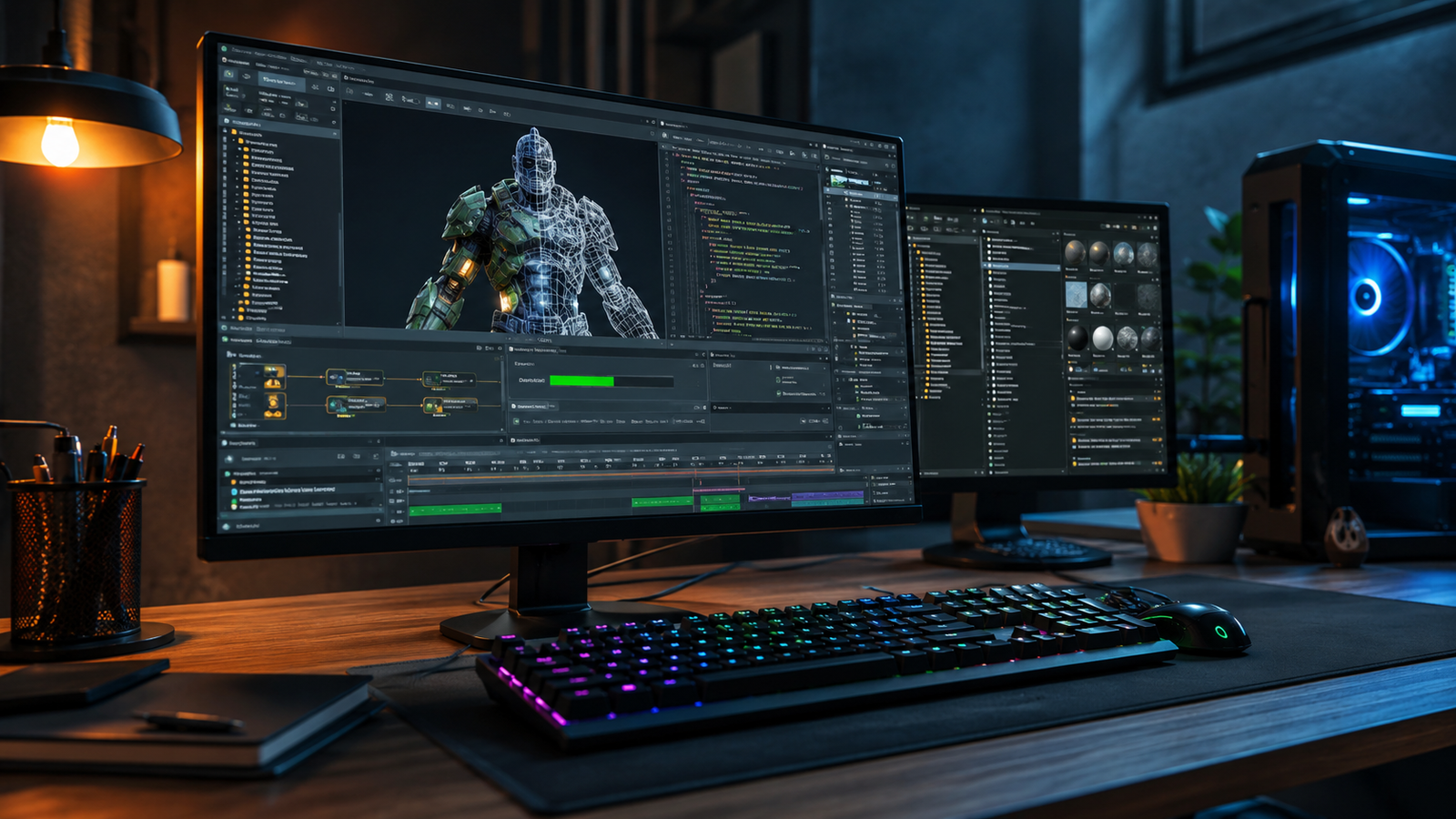
If you have recently started using SFM compile, you have probably noticed that compiling is one of the most important parts of working with Source Filmmaker. Whether you are creating custom character models, importing props, editing animations, or building maps, the compile process converts your files into a format that Source Filmmaker can actually use. While it may seem technical at first, understanding how it works can save countless hours of troubleshooting.
Many beginners think compiling is simply pressing a button and waiting for the software to finish. In reality, the process involves preparing source files, converting textures, generating model data, and ensuring everything follows the Source Engine’s requirements. Once you understand the workflow, compiling becomes much easier and more predictable.
In this guide, you’ll learn what sfm compile means, why it matters, how the process works, common tools involved, typical errors, and practical tips that experienced Source Filmmaker creators use every day.
What Does SFM Compile Mean?
The term sfm compile refers to converting editable source files into formats that Source Filmmaker and the Source Engine can load efficiently. Artists usually work with files that are not directly compatible with the game engine, so compiling acts as the bridge between creation and final use.
For example, a 3D model created in Blender cannot simply be dropped into Source Filmmaker. Instead, it must go through a compile process that transforms the model into Source Engine files such as MDL, VVD, PHY, and VTX. These compiled files contain geometry, animations, collision information, and optimization data.
The same idea applies to maps and textures. Source Engine uses specialized formats like BSP for maps and VTF for textures. Compiling ensures these assets are optimized for rendering and gameplay inside Source Filmmaker.
Why Compiling Is Essential in Source Filmmaker
Without compiling, Source Filmmaker would not recognize custom content. The software expects optimized files that match the Source Engine’s architecture rather than raw project files.
Compiling also improves performance. Large, unoptimized models can slow down rendering significantly, while compiled assets are structured to load quickly and use system resources more efficiently. This optimization is especially important when working on complex cinematic scenes.
Another advantage is compatibility. Properly compiled models behave correctly with animations, lighting, physics, and camera effects. Skipping or incorrectly performing the compile process often results in missing textures, broken skeletons, invisible models, or animation errors.
The Basic SFM Compile Workflow
Every project is different, but most sfm compile workflows follow a similar structure from start to finish.
First, creators design their assets in external software. Models are often created in Blender, Maya, or 3ds Max, while textures are produced in Photoshop, GIMP, or Substance Painter. These files remain editable throughout development.
Next, the assets are exported into formats supported by Source Engine tools. Configuration files describe materials, skeletons, physics properties, and animation settings. These instructions tell the compiler exactly how the final asset should behave.
Finally, compile utilities process the exported files and generate Source Engine assets. Once completed successfully, the compiled files are copied into the appropriate Source Filmmaker directories, where they become available inside the asset browser.
Common Tools Used for SFM Compile
Several tools are commonly used throughout the compile process. Understanding their roles makes troubleshooting much easier.
Crowbar is one of the most popular utilities within the Source Engine community. It allows users to compile and decompile models while providing an easy interface for managing QC files and model settings. Many beginners prefer Crowbar because it simplifies tasks that would otherwise require command-line tools.
Blender Source Tools are another valuable resource. They help export models and animations in formats compatible with Source Engine while preserving skeletons, animations, and mesh information. Proper export settings significantly reduce compile errors later.
Texture conversion utilities are also important. Since Source Filmmaker uses VTF textures instead of PNG or JPG images, artists must convert their texture files before compiling. Material definition files then connect those textures with the compiled models.
Common SFM Compile Errors and Their Solutions
Even experienced creators occasionally encounter compile errors. Fortunately, most issues are relatively straightforward once you understand their causes.
One common problem involves missing textures. This usually happens because material paths are incorrect or texture files were never converted into the proper format. Double-checking directory structures often solves the issue quickly.
Another frequent error appears when bones or skeletons do not match animation files. Since Source Filmmaker relies heavily on bone hierarchies, even small naming inconsistencies can prevent successful compilation. Keeping bone names identical throughout the workflow avoids many frustrating problems.
Compile failures may also occur due to syntax errors inside QC files. Missing brackets, incorrect commands, or invalid file references can stop the compiler entirely. Reading compiler logs carefully usually points directly to the line causing the problem.
Best Practices for Successful SFM Compile
Developing good habits makes compiling faster and far less stressful over time.
Start by organizing your project folders logically. Keep source models, textures, exported files, and compiled assets separated into clearly labeled directories. This organization prevents broken file references and simplifies updates later.
Maintain consistent naming conventions across every file involved in the project. Model names, texture names, skeleton names, and material references should all follow predictable patterns. Consistency reduces confusion and minimizes human error during compilation.
It is also wise to compile frequently instead of waiting until the project is nearly finished. Small incremental compilations help identify problems immediately, making them much easier to fix than discovering dozens of issues after weeks of work.
Tips to Speed Up Your SFM Compile Workflow
Efficient workflows are one of the biggest differences between beginners and experienced Source Filmmaker creators.
Create reusable templates for QC files whenever possible. If you regularly compile similar models, starting from a tested template saves considerable time while reducing mistakes. Many experienced artists maintain libraries of proven configurations for different asset types.
Automating repetitive tasks can also improve productivity. Batch scripts, export presets, and organized folder structures eliminate unnecessary manual work, allowing you to focus more on creating content rather than managing files.
Another valuable habit is documenting your workflow. Keeping notes about export settings, compiler options, and successful configurations makes future projects much easier. When returning to a project months later, detailed documentation becomes incredibly useful.
Advanced Considerations for Experienced Users
As your projects become more ambitious, compiling may involve additional features beyond basic model conversion.
Physics compilation allows props and characters to interact realistically within Source Filmmaker. Proper physics meshes improve scene realism while preventing unstable simulations. Although optional for some projects, they are highly recommended for interactive animations.
Level creators often compile entire environments using Source SDK mapping tools. During this process, lighting calculations, visibility optimization, and geometry processing generate efficient BSP files suitable for real-time rendering. Understanding these additional compile stages becomes increasingly valuable for advanced cinematic productions.
Animation-heavy projects may also require multiple compile passes to update skeletons, facial expressions, and animation sequences independently. Careful project planning helps keep these complex workflows manageable without introducing unnecessary errors.
Conclusion
Learning sfm compile is an essential step for anyone serious about creating custom content in Source Filmmaker. Although the process may appear intimidating initially, it becomes much more approachable once you understand the purpose behind each stage. Compiling transforms raw models, textures, animations, and maps into optimized assets that the Source Engine can recognize and display correctly.
By organizing your files carefully, using reliable tools, following consistent naming conventions, and checking compiler logs whenever errors occur, you can greatly reduce frustration and build a smooth workflow. Whether you are importing your first custom model or producing detailed cinematic animations, mastering sfm compile will improve both the quality and reliability of your projects.
With practice, compiling becomes less of a technical obstacle and more of a routine part of the creative process. As your experience grows, you’ll spend less time fixing errors and more time bringing your ideas to life in Source Filmmaker.
You May Also Read: Gizmocrunch

Gareth S. is a Professional Blogger with 15+ years of experience creating engaging, informative, and SEO-friendly content. He specializes in producing high-quality articles across a wide range of topics, helping readers stay informed with well-researched and practical insights.